

AI has quickly moved from something people occasionally ask a chatbot to something woven into everyday routines. It can summarize long email threads, clean up rough notes, generate first drafts, translate conversations, organize meetings, and help make sense of information without requiring quite as much manual sorting.
The challenge is that most of those tools still live on devices built around distraction. A laptop may have an AI assistant ready to summarize a meeting, but it also has Slack, email, browser tabs, notifications, and everything else competing for attention. Phones are even worse. Trying to focus on a document while messages keep appearing at the top of the screen is a familiar kind of self-inflicted productivity tax.
As great as it is to have AI pretty much everywhere, it also seems to get in the way. If you’re like me, nearly all of the times I see an AI overview or some sort of smart suggestion, I use a bit of mental bandwidth to question accuracy. Perhaps worse, I tend to judge whether or not it’s even helpful to be served up in the moment.
The AINOTE 2 makes a convincing case that AI is at its best when it stops demanding attention and quietly helps turn reading, meetings, and handwritten notes into something useful.
That makes the iFLYTEK AINOTE 2 an interesting take on where personal AI may be heading. Instead of treating AI as another app inside a conventional tablet, iFLYTEK has built it into an E-Ink device intended primarily for reading, writing, meetings, and note management.
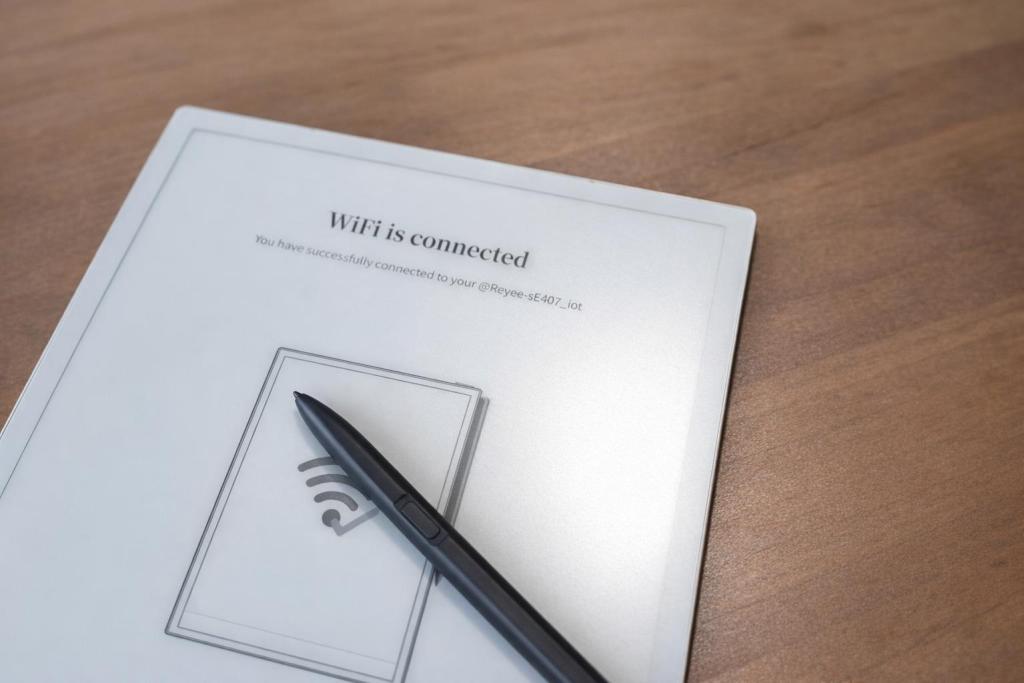
Priced $727, the AINOTE 2 is quite obviously aimed at professionals, students, researchers, and anyone who likes the focused nature of paper but wants considerably more help organizing what ends up on the page.
AI Without the Usual Screen Overload
The AINOTE 2 is a 10.65-inch E-Ink paper tablet running Android 14, with AI features based around a large language model. It’s crazy thin and is maybe the thinnest gadget I’m currently using.
That combination, or intention, of smarts matters. E-Ink devices have traditionally appealed to people who want a calmer alternative to conventional tablets, particularly for reading and handwritten notes. AI adds another layer to that idea by reducing some of the administrative work that tends to happen after the notes are taken.
Instead of writing three pages during a meeting and later spending another half hour turning them into something useful, the AINOTE 2 can transcribe the conversation and produce organized meeting notes. A rough outline can become a longer draft. Selected text can become the starting point for an AI search or conversation. It’s far cooler than turning a page of scribbles into a PDF or converting to a text file. What’s more, it’s far more powerful.
In that sense, the device reflects a broader change in how people are using AI. The technology is becoming less about sitting down specifically to “use AI” and more about letting it handle small pieces of routine work in the background of tasks people were already doing.
A Large Language Model Built Into the Workflow
The AINOTE 2’s AI tools are centered around reading, writing, and information management.
For instance, users can circle text on the screen and launch AI Search for contextual information without moving to another device. AI Writing can take an outline or set of notes and turn it into a more complete draft, potentially useful for reports, essays, articles, meeting follow-ups, or brainstorming sessions.
AI Conversation provides another way to work through ideas directly from the tablet. For someone using the AINOTE 2 as a digital notebook, that means the material being written can become the starting point for further questions without copying it into another AI service. Sharing to a third party app or service is cool, but it’s better when things can be done in-house, right?
This may be one of the more practical ways AI finds its way into everyday work. The value is less about having a chatbot nearby and more about shortening the distance between capturing information and doing something useful with it.
Meetings Are a Natural Fit
Meetings are an obvious use case for this type of device, particularly now that automated transcription and summarization have become common productivity tools.
The AINOTE 2 supports speech transcription in 16 languages and translation across 11 languages. Four built-in microphones handle audio capture, and its AI Meeting Minutes feature can turn spoken conversation into structured notes.
For someone sitting through several meetings each day, that could change the role of note-taking. Rather than trying to document every sentence, users can concentrate on decisions, questions, and observations while the tablet handles much of the raw transcription.
The multilingual features broaden the appeal for international teams, students, conferences, and business travel. Translation happening on the same device being used for notes also avoids some of the awkwardness of juggling a phone, laptop, recording app, and translation tool at the same time.
Designed More Like a Notebook Than a Tablet
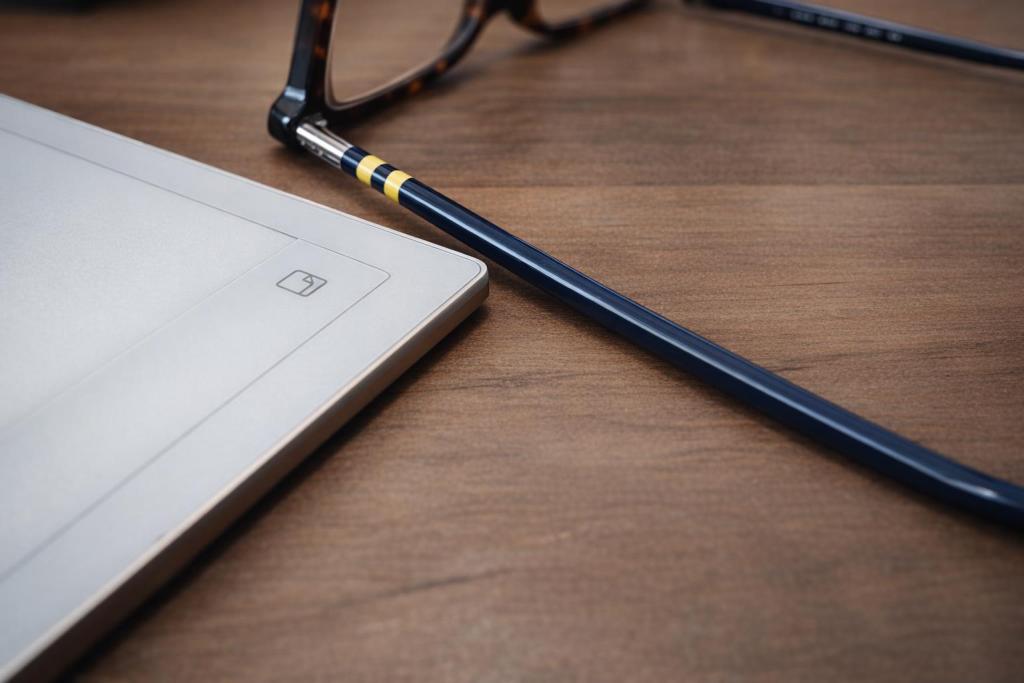
The hardware follows the same focus-first idea. The AINOTE 2 measures just 4.2mm thick and weighs 295 grams, making it considerably lighter than many conventional tablets. iFLYTEK describes it as the world’s slimmest paper tablet. As I mentioned earlier, it’s crazy thin, and lends itself well to travel.
Its 1920 x 2560 E-Ink display reaches 300 PPI and does not include a front light. That choice favors reading under natural or environmental lighting rather than turning the tablet into another illuminated screen.
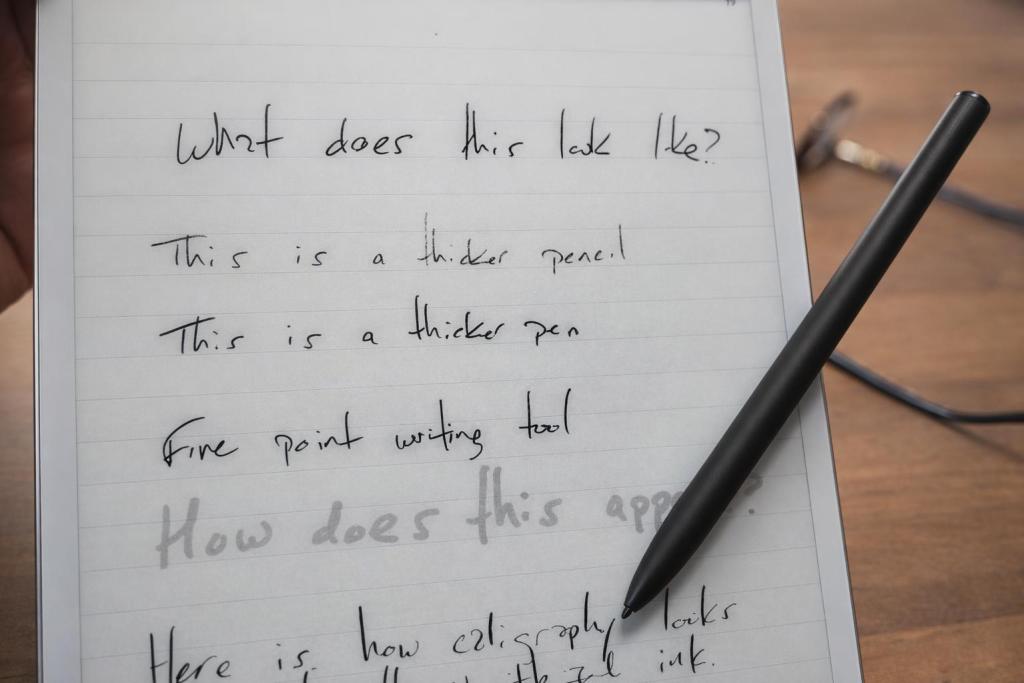
Handwriting latency is rated at under 20ms, which should help handwritten notes feel closer to writing on paper. In my time with the unit I have found it can replicate that experience well but some of the writing tools “feel” like they’re more accurate and mimc a real world counterpart.
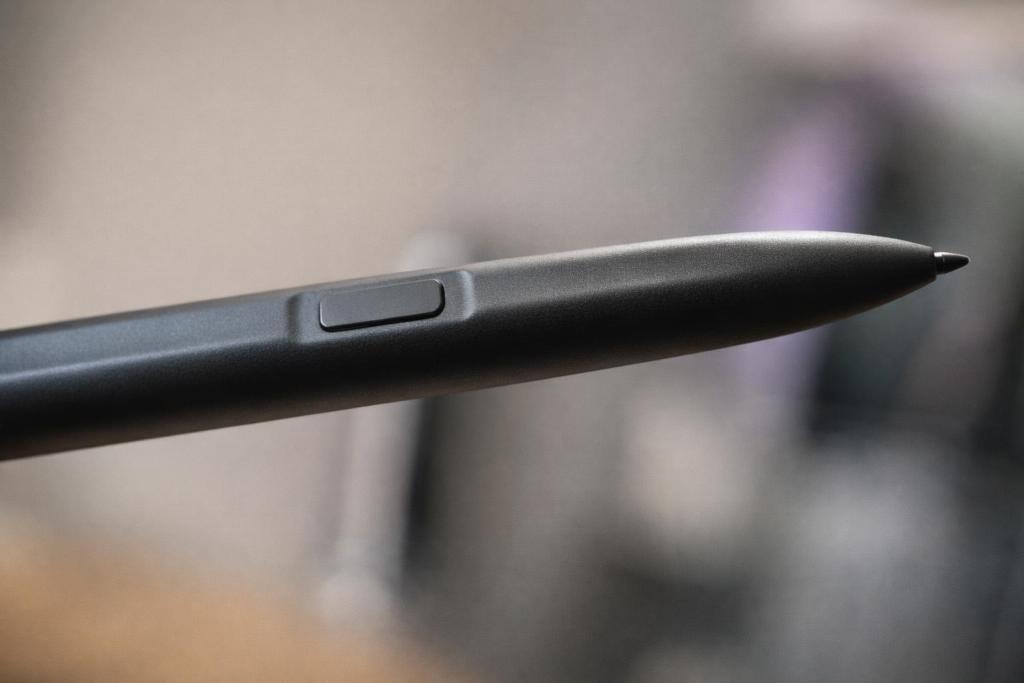
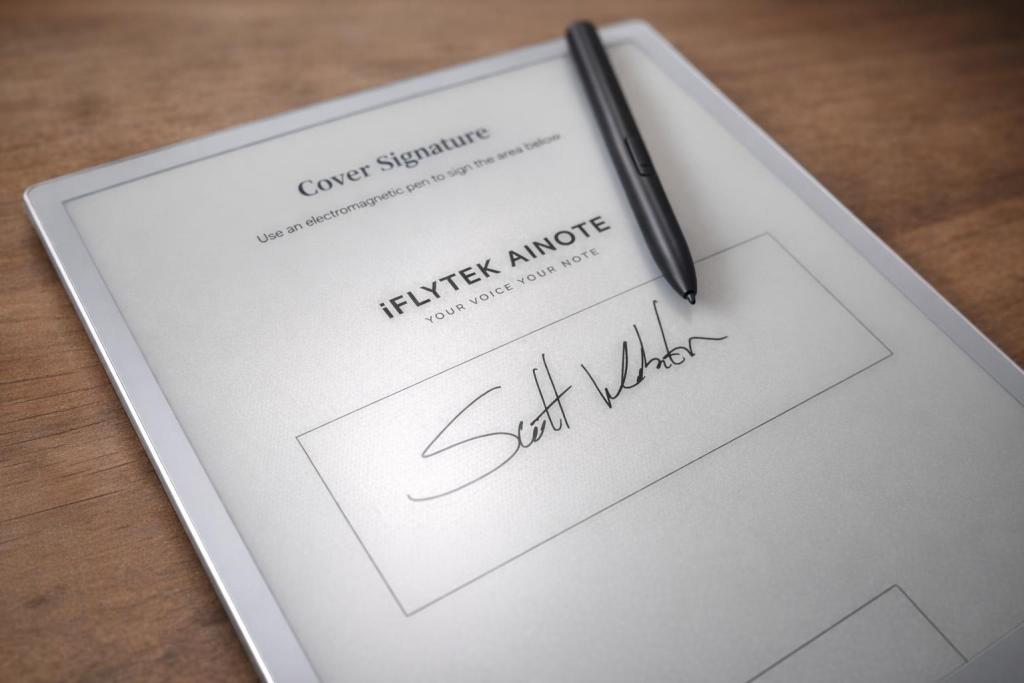
The included stylus was developed with Wacom and supports eight brush styles. It attaches magnetically to the tablet, and iFLYTEK designed it without moving mechanical parts that could become wear points over time. It’s snappy stuff and it has a natural or intuitive placement.
Inside are an RK3576 octa-core processor, 4GB of RAM, and 64GB of storage.
Reading and Writing Can Live Side by Side
The AINOTE 2’s split-screen functionality could be particularly useful for students, researchers, editors, and writers.
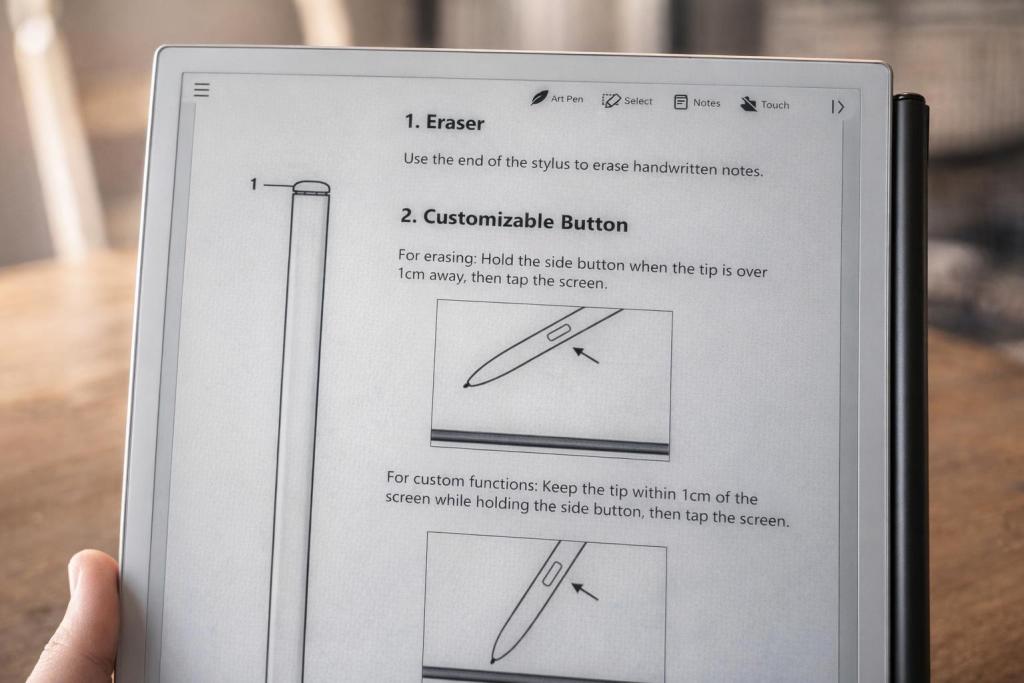
A document can remain open on one side of the screen while notes appear on the other, closely approximating the experience of having a textbook or printed report beside a notebook.
AI can then enter the process when needed. A difficult passage can become an AI search. Notes can become an outline. That outline can become a draft. You get to decide to what degree the intelligence assists.
The device is at its most interesting when those features feel like extensions of reading and writing rather than separate destinations. It doesn’t feel like you’re taking a document or image and passing it off to an AI tool for parsing, sentiment, or converting to text; it feels like a logical next step for your own notes if and when you might call for it.
Battery Life Fits the Paper-Like Approach
A 4,000mAh battery powers the AINOTE 2, with iFLYTEK rating it for up to 14 days of typical use. Maximum standby time reaches 113 days when Airplane Mode and Deep Sleep are active. Charging takes less than three hours through USB-C 3.0.
Long battery life has always been part of the appeal of E-Ink hardware, and it becomes more useful here since the AINOTE 2 is designed as something that can remain in a work bag and replace a physical notebook throughout the day. It’s the sort of thing you can keep on your desk for days on end and trust it will have enough power for that surprise morning huddle.
Where the AINOTE 2 Fits
Plenty of people now have access to AI through their phone, browser, office software, or operating system. The AINOTE 2 takes a different approach by narrowing the environment around those tools. It does so in a way that doesn’t constantly remind you that AI exists, nor does it try to suggest actions for everything you jot down. That’s not something I would come to find refreshing but here we are.
It isn’t trying to replace a laptop or tablet for every job. It appears better suited to the parts of the day spent reading, thinking, listening, annotating, and turning rough information into something organized. It’s there when you need it to help take things further.
That may appeal to professionals who spend hours in meetings, students working through dense material, researchers managing large amounts of information, and writers who want help developing notes without working inside a notification-heavy tablet.
There is a certain irony to an AI device making technology feel less intrusive, but that may be the strongest argument for the AINOTE 2. AI is becoming increasingly useful precisely when it fades into the task being performed. Every app and service we use feels saturated with the messaging of AI and its capabilities and some do a terrible job of waiting to be tagged in. That’s not the case here at all.
For users who like E-Ink but have moved beyond basic reading and handwritten notes, the iFLYTEK AINOTE 2 offers a more ambitious interpretation of the category.
iFLYTEK sells a smaller AINOTE Air 2 for $555 as another option. It includes a front light and built-in speaker, making it better suited to buyers who place greater value on portability and flexible reading conditions than the larger AINOTE 2’s flagship hardware.


