

Looking for the best fax app for Android? Here are nine top picks for sending contracts, intake forms, and signed PDFs straight from your smartphone.
Plenty of people wrote off faxing years ago, yet regulated, document-heavy industries still lean on it every single day. The global digital transmission market reached a multi-billion-dollar valuation in recent years, proving professional paperwork is far from obsolete. Today, professionals push contracts, medical forms, and real estate documents straight from their phones instead of hunting for a physical machine. Modern Android hardware and cloud tools make running these document workflows fast, secure, and accessible from anywhere.
Recent updates to Android make handling paperwork on mobile devices even easier. System-level signature features and built-in PDF tools allow users to draw, store, and drop digital signatures onto documents in seconds. However, while a signature tool prepares your paperwork, it isn’t a transmission service. You still need a dependable platform to send those signed files to institutions that insist on secure fax delivery.
Picking the right app means navigating a crowded market where security matters immensely. Sticking with established, trustworthy software ensures sensitive files remain encrypted in transit and at rest. Whether you fax once a month or work inside a tightly regulated healthcare setting every day, here are the nine best Android fax apps tested for real business workflows.
What to Look For in an Android Fax App
When testing software for Android workflows, we evaluated account setup friction, camera scanning accuracy, PDF handling, and cloud storage integration (Google Drive, Dropbox, Box). Key ranking criteria included:
- Setup Speed: How fast you can go from download to sending a page.
- Scan Quality: Document edge detection and image cleanup tools.
- Cloud Integration: Ease of importing PDFs directly from storage services.
- Pricing Clarity: Transparent subscription tiers versus pay-as-you-go costs.
- Security & Compliance: Encryption protocols (TLS/AES-256) and regulatory readiness (HIPAA, GDPR, SOC 2).
Quick Comparison: Best Android Fax Apps
| Name | Standout Feature | Pros & Cons | Pricing |
|---|---|---|---|
| iFax | Secure Android-first workflow with scanning, cloud sync, and HIPAA-ready options. | Pros:• Excellent camera scanning• Strong compliance featuresCons:• Value depends on volume | Tiered plans & pay-per-use |
| Dropbox Fax | Tight fit for Dropbox-centered document workflows. | Pros:• Seamless cloud storage fit• Team permissionsCons:• Standalone pricing is opaque | Tied to Dropbox plans |
| FAX.PLUS | Strong security posture and global number options. | Pros:• Great international support• SOC 2 Type II certifiedCons:• Receiving requires a paid plan | From $6.99/mo |
| Genius Fax | Pay-as-you-go simplicity with non-expiring credits. | Pros:• No monthly subscription• Clean scanning toolCons:• Few enterprise features | Credit-based |
| eFax | Mature inbox-style management with strong brand recognition. | Pros:• Dedicated numbers• Robust archivingCons:• High overage fees | Subscription plans |
| MyFax | Simple dedicated-number service for standard offices. | Pros:• Easy email integration• Highly predictableCons:• Less modern app design | Subscription plans |
| FaxBurner | Lightweight temporary numbers for minimal usage. | Pros:• Free starting point• Fast initial setupCons:• Very strict free limits | From ~$12.99/mo |
| MetroFax | Predictable SMB-style monthly workflow management. | Pros:• Shared page allowances• Stable web portalsCons:• Lacks flashy integrations | Subscription plans |
| SRFax | Healthcare-oriented security and detailed logging. | Pros:• Strong compliance posture• Advanced routing controlsCons:• Less polished native app experience | Subscription plans |
1. iFax
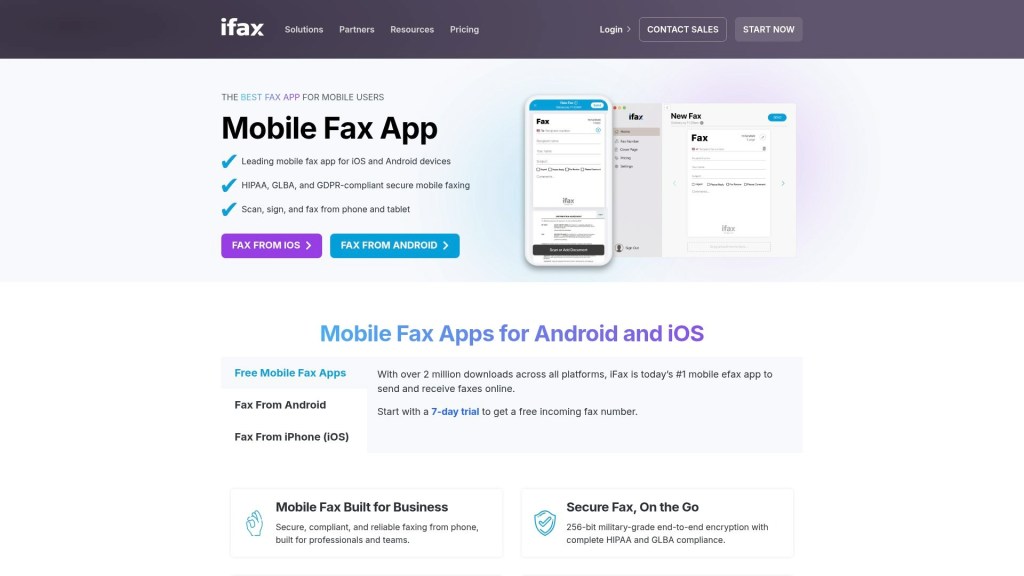
iFax lands at the top of our list because it balances mobile usability, document flexibility, and enterprise security better than almost anything else available. If you’re searching for a mobile-first fax app, iFax strips friction from the entire mobile workflow: scan a page, pull a PDF directly from Google Drive or Dropbox, and send it in a single fluid sequence.
Serving millions of users, the software supports a wide variety of file formats including PDF, DOCX, JPEG, PNG, and TIFF. For healthcare providers, legal teams, and real estate professionals, iFax maintains compliance standards like HIPAA, GLBA, and GDPR, utilizing end-to-end TLS/SSL encryption. High-volume business plans scale efficiently, and 24/7 human support ensures critical transmissions never stay stuck in transit.
- Pros: Excellent built-in camera scanning; strong regulatory compliance options; synced history across devices.
- Cons: Light users must weigh subscription tiers against occasional pay-per-use options.
- Best For: Professionals and businesses needing a secure, polished Android faxing experience.
2. Dropbox Fax (Formerly HelloFax)

Dropbox Fax is designed specifically for teams whose document ecosystem already lives inside Dropbox. Its biggest advantage is workflow continuity: files sit in your shared folders and inherit existing team permissions without forcing you to re-upload documents to a separate platform.
You can manage outgoing contracts alongside regular file backups seamlessly. While it lacks some standalone consumer bells and whistles, it acts as a reliable document transmission hub for companies already using Dropbox for enterprise storage and executive sign-offs.
- Pros: Seamless integration with Dropbox storage; centralized team permissions; automatic PDF record saving.
- Cons: Less transparent standalone pricing compared to pure-play competitors.
- Best For: Dropbox-centric businesses that want fax capabilities tied directly to their shared folders.
3. FAX.PLUS

FAX.PLUS is one of the most security-focused options on Android, offering robust encryption and global number availability. The platform clearly outlines its paid tiers (starting around $6.99/month for 200 pages) and provides advanced certifications such as ISO 27001, SOC 2 Type II, and HIPAA compliance options.
Onboarding on Android devices is straightforward, making it simple to manage both domestic and international document routing. While a free trial tier exists for sending a few test pages, regular incoming and outgoing faxing requires a paid plan.
- Pros: Top-tier security certifications (SOC 2, ISO 27001, TLS/AES-256); international fax numbers.
- Cons: Receiving faxes requires a paid subscription.
- Best For: Compliance-focused legal, healthcare, and corporate teams operating internationally.
4. Genius Fax
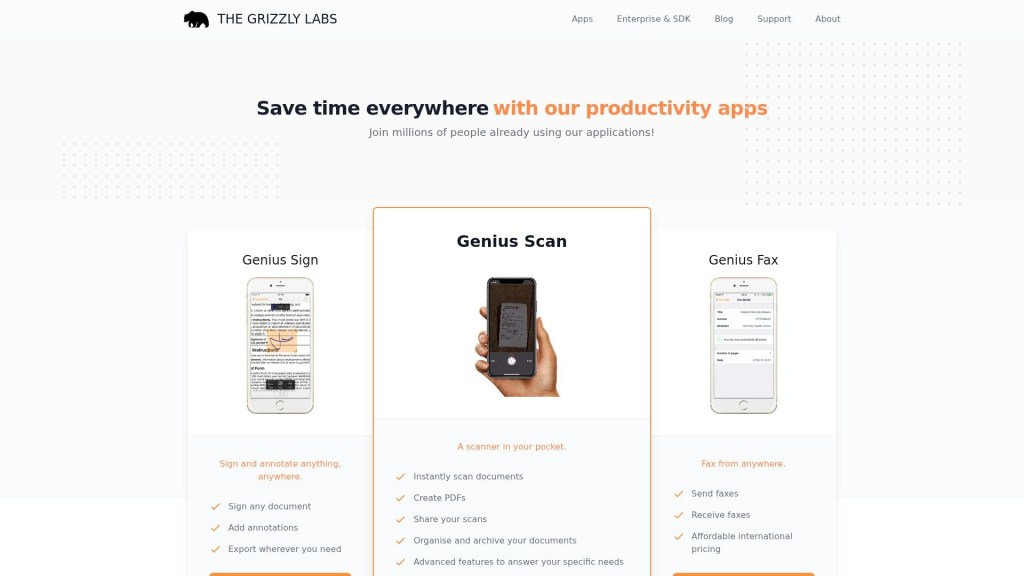
Genius Fax cuts through corporate bloat by delivering a practical, pay-as-you-go experience. Developed by The Grizzly Labs (creators of Genius Scan), this app focuses on sending clean, legible documents from your smartphone without locking you into a recurring monthly contract.
Its credit-based pricing model is simple: buy credits when you need them, and they won’t expire. Paired with Genius Scan, it handles document enhancement and distortion correction effortlessly, making it ideal for low-volume senders.
- Pros: No recurring monthly subscriptions; non-expiring fax credits; clean image scanning tools.
- Cons: Lacks enterprise multi-user management and deep compliance audit logs.
- Best For: Solo freelancers, contractors, and occasional senders needing a quick, pay-as-you-go fix.
5. eFax
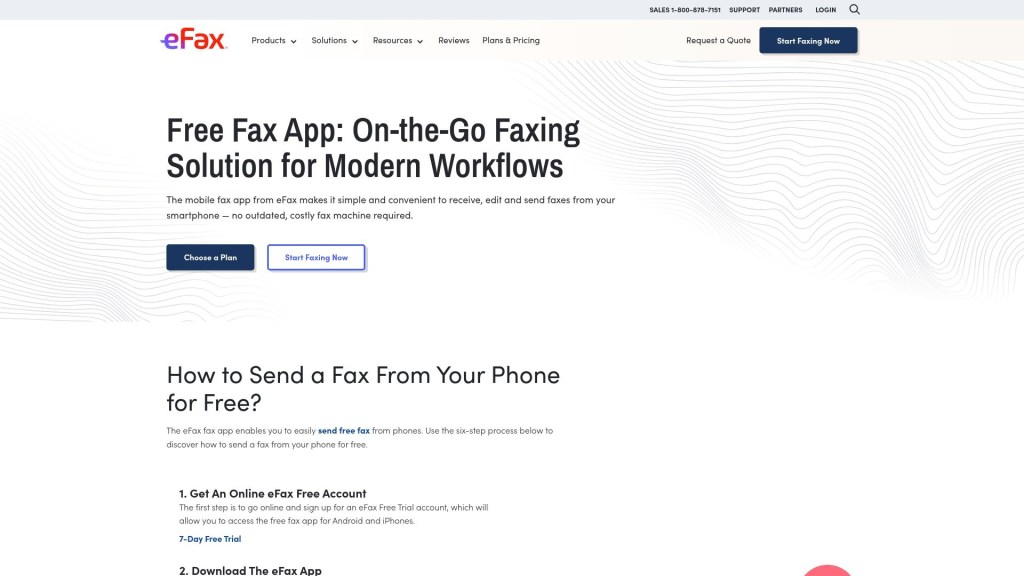
eFax is one of the most recognizable names in digital faxing, offering a traditional inbox-style interface adapted for modern cloud workflows. It bridges legacy office hardware with Android smartphones, allowing users to annotate, digitally sign, and organize incoming paperwork on the go.
The enterprise tier (eFax Corporate) caters specifically to heavily regulated industries, while standard plans provide dedicated local or toll-free numbers. Because eFax relies heavily on monthly page allowances, it is best suited for businesses with steady, predictable monthly paperwork needs.
- Pros: Mature inbox interface; dedicated local/toll-free numbers; searchable document archiving.
- Cons: High overage fees if you exceed your monthly page limit.
- Best For: Established offices wanting a familiar, inbox-style digital replacement for traditional hardware.
6. MyFax
MyFax provides a straightforward, no-nonsense online fax service for standard office setups. It nails the essentials: email-to-fax functionality, web access, and a clean mobile utility for monitoring outbound and inbound paperwork on Android.
Small business accounts can easily configure multi-user access, allowing staff members to send documents through shared office credentials. It doesn’t aim to be the flashiest app on the Play Store, but it provides consistent reliability for staff who rely on traditional toll-free numbers and email integrations.
- Pros: Simple email-to-fax workflow; easy multi-user account setups; predictable monthly plans.
- Cons: Interface design feels slightly dated compared to modern app-first rivals.
- Best For: Small business teams looking for standard email-to-fax capabilities and shared virtual numbers.
7. FaxBurner

FaxBurner offers one of the lowest-barrier entry points for emergency faxing. The app operates on a temporary number model: users receive a free, temporary fax number valid for short-term incoming and outgoing pages.
If you suddenly need to receive a single sign-off document without signing up for a full monthly contract, FaxBurner gets the job done quickly. However, free usage caps are strict (a lifetime allowance of 5 outbound pages), making paid plans necessary for anything beyond an occasional document.
- Pros: Fast setup; free temporary fax numbers for quick tasks; simple PDF attachments.
- Cons: Very limited free page allowances; temporary numbers are unsuitable for long-term business identity.
- Best For: Consumers or side-gig workers who need an emergency fax line for a one-off transaction.
8. MetroFax
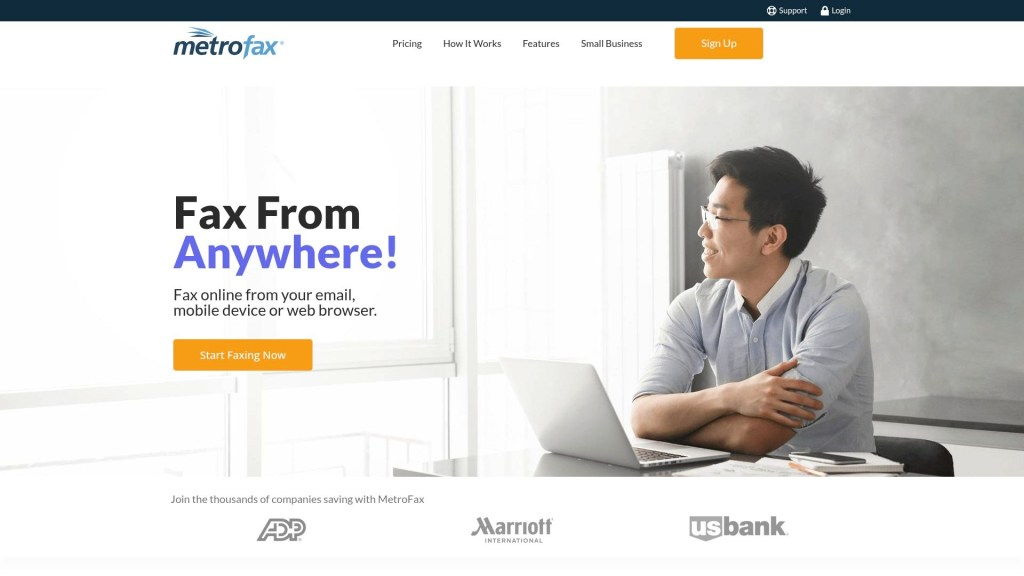
MetroFax is built for small and medium-sized businesses transitioning off legacy hardware. It focuses on affordable, shared monthly page allowances accessible across web browsers, email clients, and Android devices.
The service automatically converts standard office document types (DOCX, PDF, XLS) into high-clarity fax transmissions. While it doesn’t feature complex third-party app integrations, its simplicity and stable performance make it a dependable workhorse for standard administrative tasks.
- Pros: Affordable monthly page buckets; multi-device syncing; dependable email-to-fax reliability.
- Cons: Basic mobile app features with limited workflow integrations.
- Best For: SMBs looking for a cost-effective, hosted monthly replacement for office fax machines.
9. SRFax

SRFax is built specifically around healthcare data protection, administrative routing, and detailed audit logging. Rather than prioritizing visual flair, SRFax offers the security infrastructure required by medical clinics, legal offices, and financial institutions.
The platform provides granular administrative routing rules, enabling teams to forward incoming transmissions automatically to specific secure mailboxes or account sub-users. With HIPAA-compliant infrastructure and comprehensive transmission reports, SRFax gives organizations complete visibility over their sensitive record history.
- Pros: Purpose-built HIPAA compliance; advanced administrative routing controls; detailed transmission logs.
- Cons: Web-portal interface is less optimized for quick, casual smartphone use.
- Best For: Medical practices, clinics, and privacy-focused teams requiring strict audit logging.
Upgrading Your Mobile Document Workflow
Choosing the right Android fax app depends on your volume and compliance demands. If you only send a document once or twice a year, pay-as-you-go tools like Genius Fax or temporary services like FaxBurner will save you money. For healthcare, legal, and enterprise users, dedicated solutions like iFax, FAX.PLUS, or SRFax provide essential encryption and regulatory compliance.
By replacing physical machines with a streamlined mobile app, you can scan, sign, and deliver critical business paperwork straight from your Android device in seconds.
EDITOR NOTE: This is a promoted post and should not be considered an editorial endorsement


