

A laptop is convenient until the workday calls for three monitors, wired networking, external storage, and a couple of charging cables. Plugable’s UD-MSTH3 is a 15-in-1 USB-C docking station designed to bring those connections together through a single laptop port.
Priced at $149.99 in the supplied product information, the dock targets compatible Windows and Intel-based ChromeOS computers rather than Mac users. We’ve already covered the UD-MSTH3 launch and its driver-free display approach; here’s what its features mean for a real desk setup.
A Triple-Monitor Dock Built Around MST
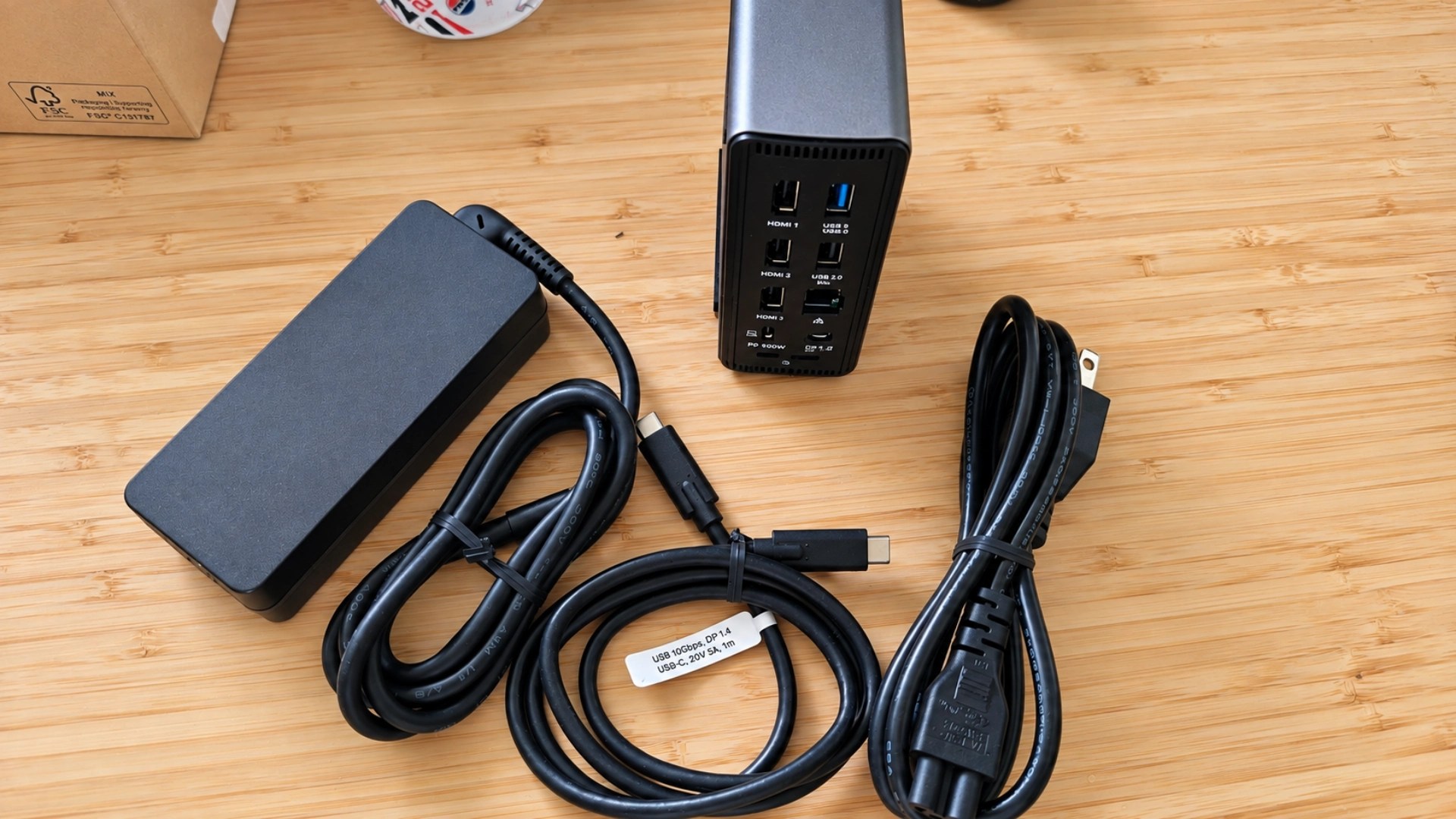
The UD-MSTH3 uses Multi-Stream Transport (MST) to send independent video signals to supported external monitors through its three HDMI 2.0 ports. Depending on the host computer, it can drive two 4K monitors at 60Hz, or one 4K display at 60Hz alongside two 1080p displays at 60Hz.
Some hosts with Display Stream Compression (DSC) support may allow two 4K 60Hz displays plus a third 4K 30Hz display. Those figures are compatibility ceilings, not a guarantee for every USB-C laptop. The computer’s graphics hardware, port capabilities, and available bandwidth determine the result.
The dock works without the additional DisplayLink application because it relies on the computer’s native video output. That distinction can simplify installation for users whose hardware already supports the necessary MST configuration.
Ports, Charging, and Networking
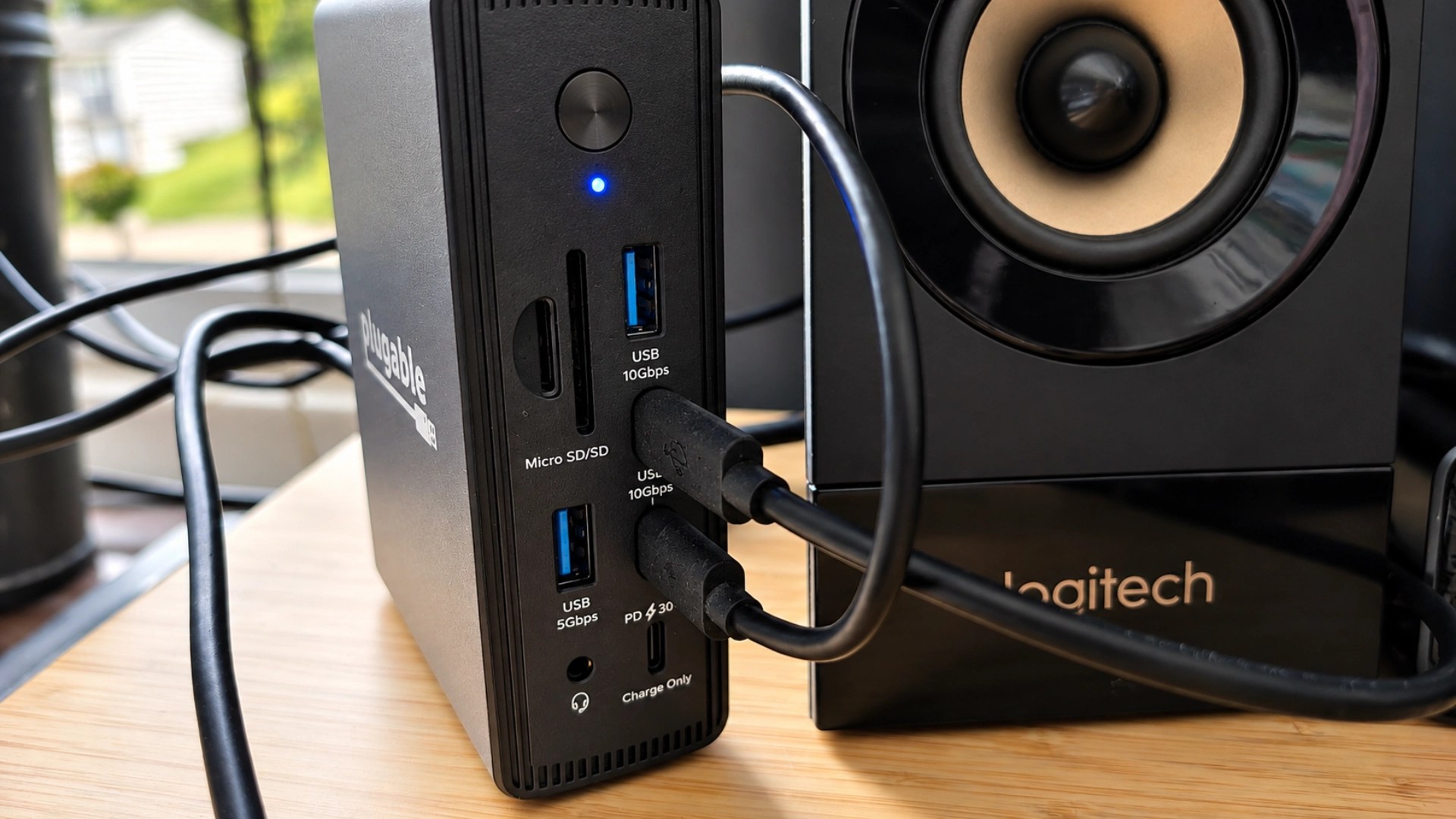
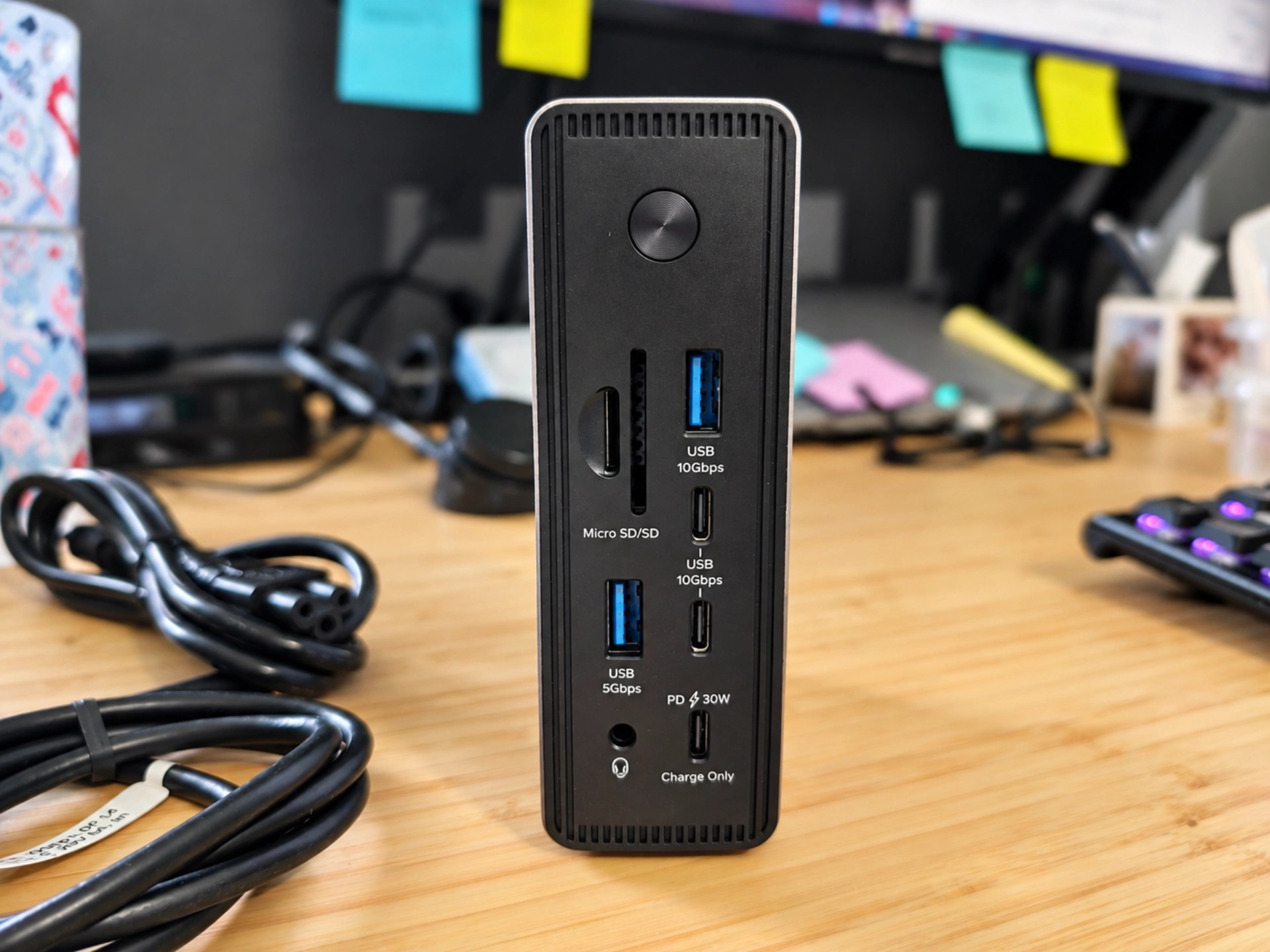
Beyond its three HDMI outputs, the UD-MSTH3 provides two 10Gbps USB-C data connections, one 10Gbps USB-A port, two 5Gbps USB-A ports, and one USB 2.0 port for less demanding accessories such as a keyboard or mouse.
A dedicated USB-C charging port delivers up to 30W for a phone or tablet, while the host connection supports up to 100W Power Delivery for the connected laptop. That can remove a separate charging adapter from the desk, although some high-power laptops may still require their own charger.
Wired networking comes through a 2.5GbE port, provided the network equipment supports the higher speed. Full-size SD and microSD readers make it easier to move camera files without another dongle. The dock can sit flat or stand vertically to fit around a monitor or compact workspace.
Compatibility Comes First
The main requirement is a full-featured USB-C, USB4, or Thunderbolt port with supported video output. Windows 10 and 11 systems with suitably capable graphics are the primary audience, while Plugable also lists support for certain Intel-based ChromeOS machines.
Mac owners should look elsewhere for three independent external displays through this dock: macOS does not support the MST extended-display arrangement used here. ARM-based Windows laptops may also face lower display counts or resolutions. Checking the exact laptop model against Plugable’s compatibility details is worth doing before purchase.
For a smaller setup, we’ve also covered Plugable USB-C hubs with high-refresh-rate monitor support. More related accessories appear in our Plugable coverage.
Who Should Consider the UD-MSTH3?
This dock makes sense for a Windows desk with multiple monitors, a wired network connection, and plenty of USB accessories. Its appeal is having those connections in one place rather than chaining together adapters.
The key limitation is not port count but host compatibility. Buyers who confirm that their laptop supports the desired display configuration will get the most from the UD-MSTH3. Those using Macs or laptops with limited USB-C video capabilities should choose a dock built specifically for their hardware.
Plugable lists the UD-MSTH3 on Amazon; pricing and availability may change.


